





Free Online MRZ Code Generator
Sometimes you just need an MRZ calculator that works, without reading ten different docs or ICAO papers. This free online MRZ generator was first built for internal testing, but honestly, it became too useful not to share.
So here it is: a straightforward tool that helps you create Machine Readable Zone (MRZ) lines for passports and ID cards in seconds. You simply enter the basic document and personal details, and the generator automatically applies the official ICAO check digit rules and formatting, giving you valid MRZ lines you can plug directly into your own systems or tests.
It’s designed primarily for developers, QA engineers, and anyone working with e-passport or identity document integrations who needs to quickly verify parsing logic, OCR results, or data mappings. Instead of manually piecing together sample MRZ strings, you can use this generator to produce consistent, standards-compliant test data on demand.
We’ve aimed to keep the interface minimal and self-explanatory, so you can focus on your workflow rather than configuration. As the tool evolves, we plan to add support for additional document types and edge cases, while still keeping the core experience as simple and reliable as possible.
Using this MRZ generator, you can create valid Machine Readable Zone codes for passports, ID cards, visas, and other identity documents in seconds. No setup, no confusing options — just enter the data and get a usable MRZ output right away.
The tool supports all common MRZ formats — including TD1, TD2, and TD3 — which cover almost every real-world document you’ll ever deal with. Passport MRZ? ID card MRZ? Even mixed test cases? All there.
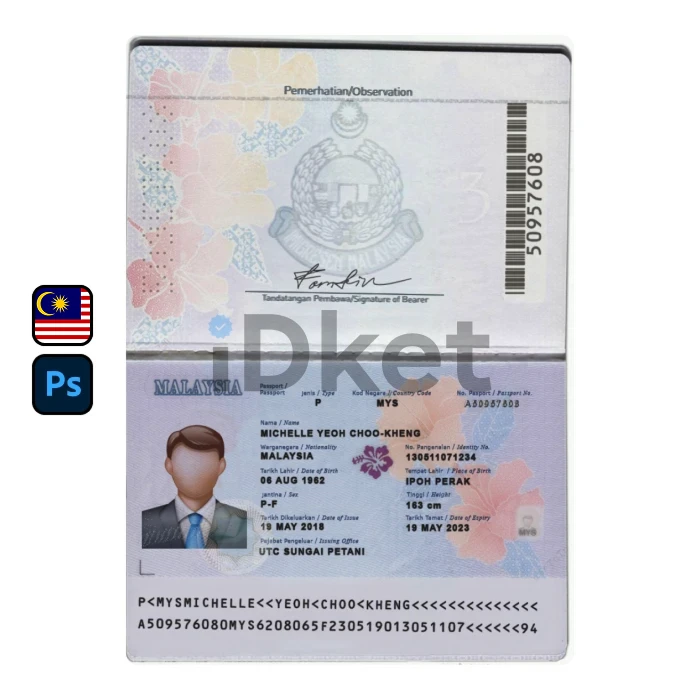
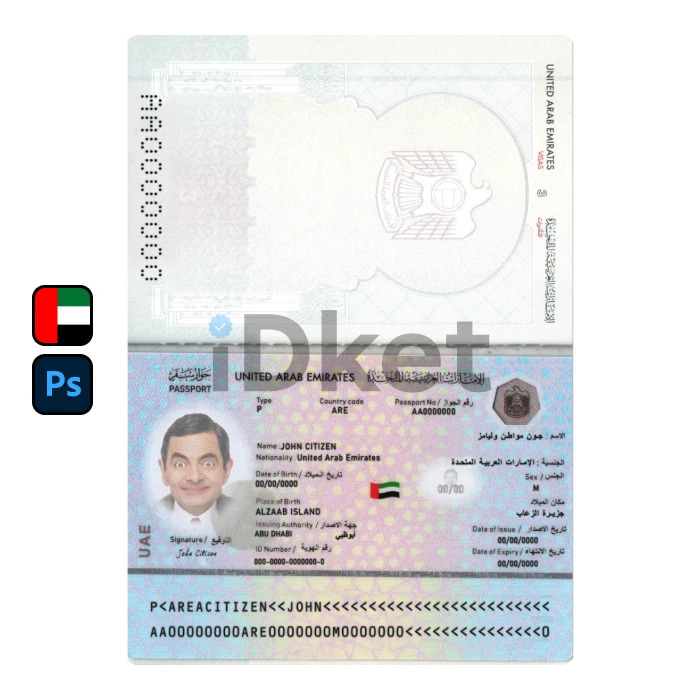
The MRZ itself is the standardized area that stores critical identity data such as name, document number, date of birth, nationality, and expiration date. Machines love it. Humans… not so much. That’s exactly why a calculator like this helps.
TD1 vs TD2 vs TD3 – what’s the real difference?
Not all MRZ formats are the same, and this is where many tools get confusing.
TD3 is used for passports. It always contains two lines with 44 characters each and appears at the bottom of passport identity pages. This is the most common format used at airports and border controls.
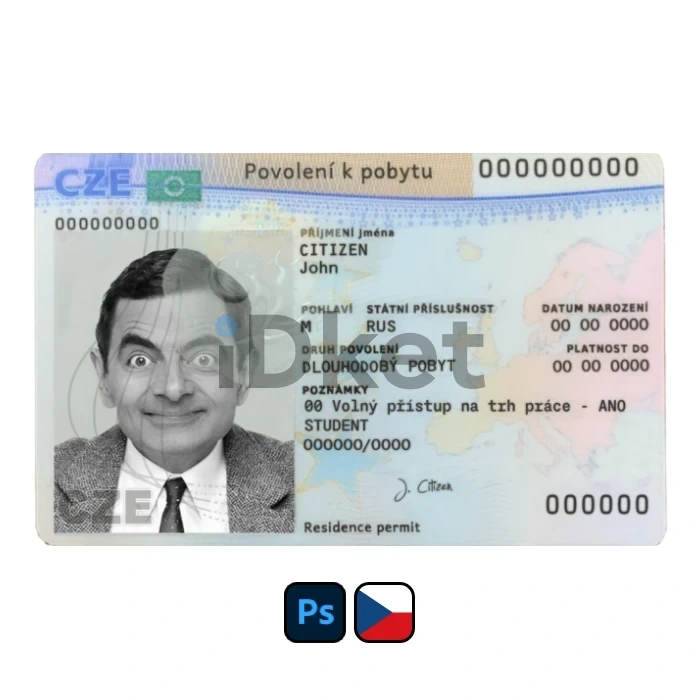
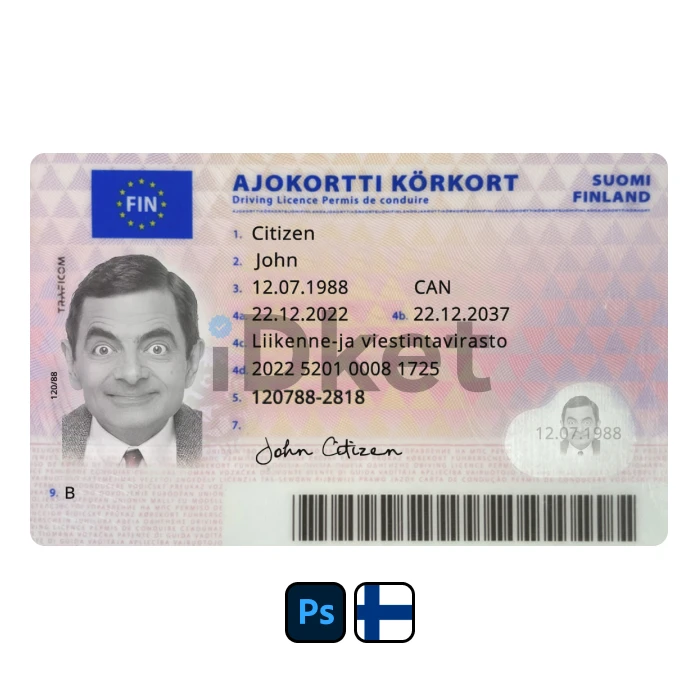
TD1 is mostly used for national ID cards and driver’s licenses. It has three lines, each 30 characters long, and is common in Europe and many residency cards worldwide.
TD2 sits somewhere in between. It uses two lines of 36 characters and appears on some older or region-specific ID cards and permits.
This MRZ calculator automatically applies the correct structure and check digits based on the document type, so you don’t need to remember any of this (unless you really want to).
What can you use MRZ codes for anyway?
MRZ data is used far beyond airports. Some common use cases include:
Passport and visa verification
Digital KYC and identity onboarding
Banking and fintech verification flows
SIM card registration
Hotel and airline check-in
Government portals and permit systems
Mobile MRZ-scanning apps
Because MRZ follows ICAO standards, the output from this tool works smoothly across different systems and countries — no extra tweaking needed.
ID Card MRZ – why does it even exist?
An ID card MRZ allows systems to read identity data instantly and with fewer errors. Instead of typing names or numbers manually (which humans mess up all the time), scanners extract the info directly.
An ID card MRZ usually contains:
Full name (encoded)
Date of birth and gender
Document number and country code
Expiration date
Multiple check digits for error detection
Even if the layout looks weird, it’s designed for machines, not eyes — and it does its job very well.
Passport MRZ – the most used format
Passport MRZ codes (TD3) are probably the most widely scanned identity format in the world. You’ll see them used in:
Airport e-gates
Border control systems
Airline booking and check-in
Banking AML/KYC processes
Secure access control
Mobile passport-scanner apps
Without MRZs, most modern identity verification systems simply wouldn’t work. That’s why accuracy here actually matters.
Why use this MRZ generator?
Because it’s fast, free, and does one thing properly. Whether you’re testing software, building an identity verification flow, learning how MRZ works, or just need a clean output for a demo, this MRZ calculator gives you valid results in seconds.
No tech skills needed. No overthinking. Just enter the data and you’re done.

